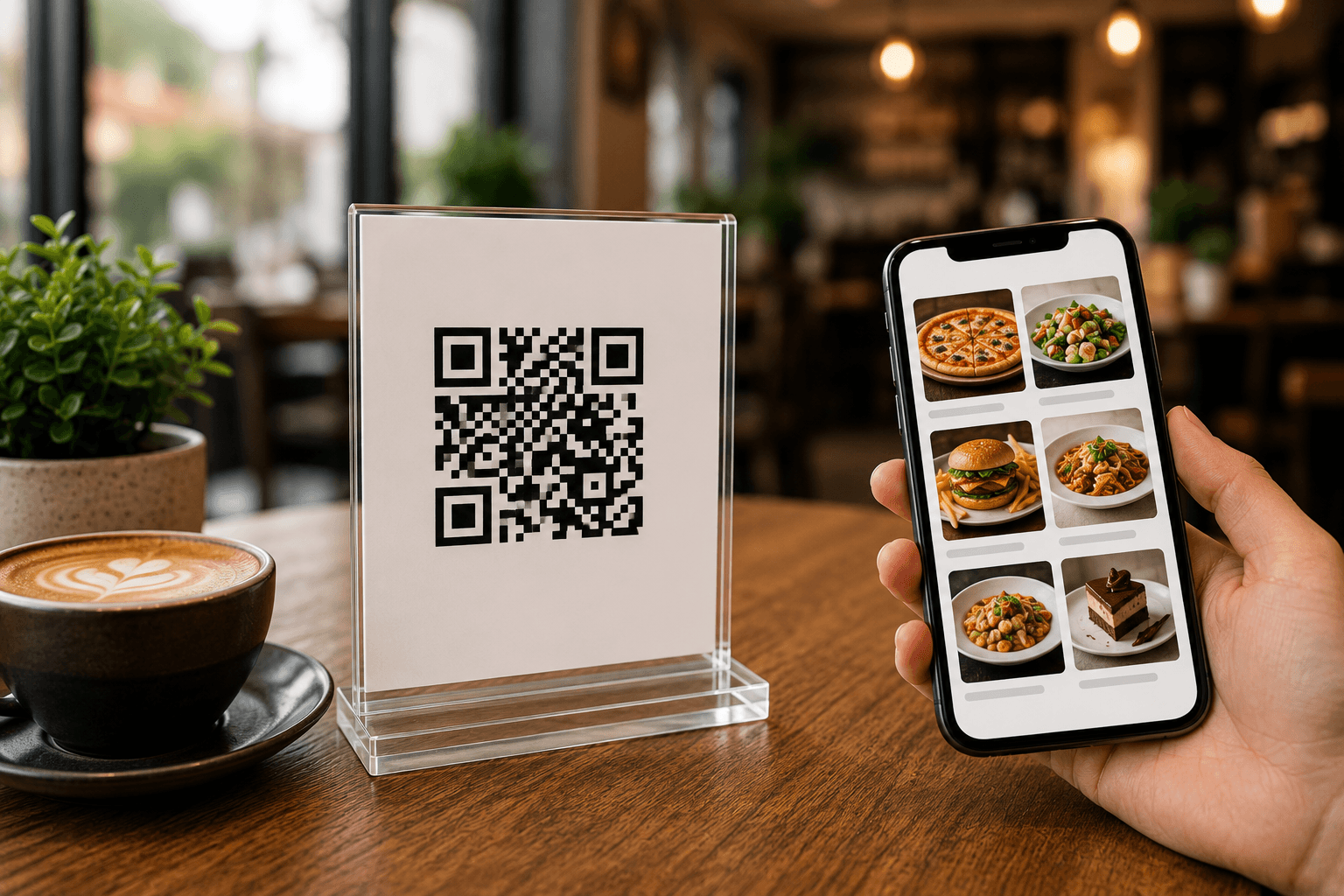
QR Food Menu Setup
Give Your Menu a Simple Digital Experience
Aqua Creative Studio creates mobile-friendly QR food menus for restaurants and cafés with food categories, item details, pricing and direct customer enquiry links.
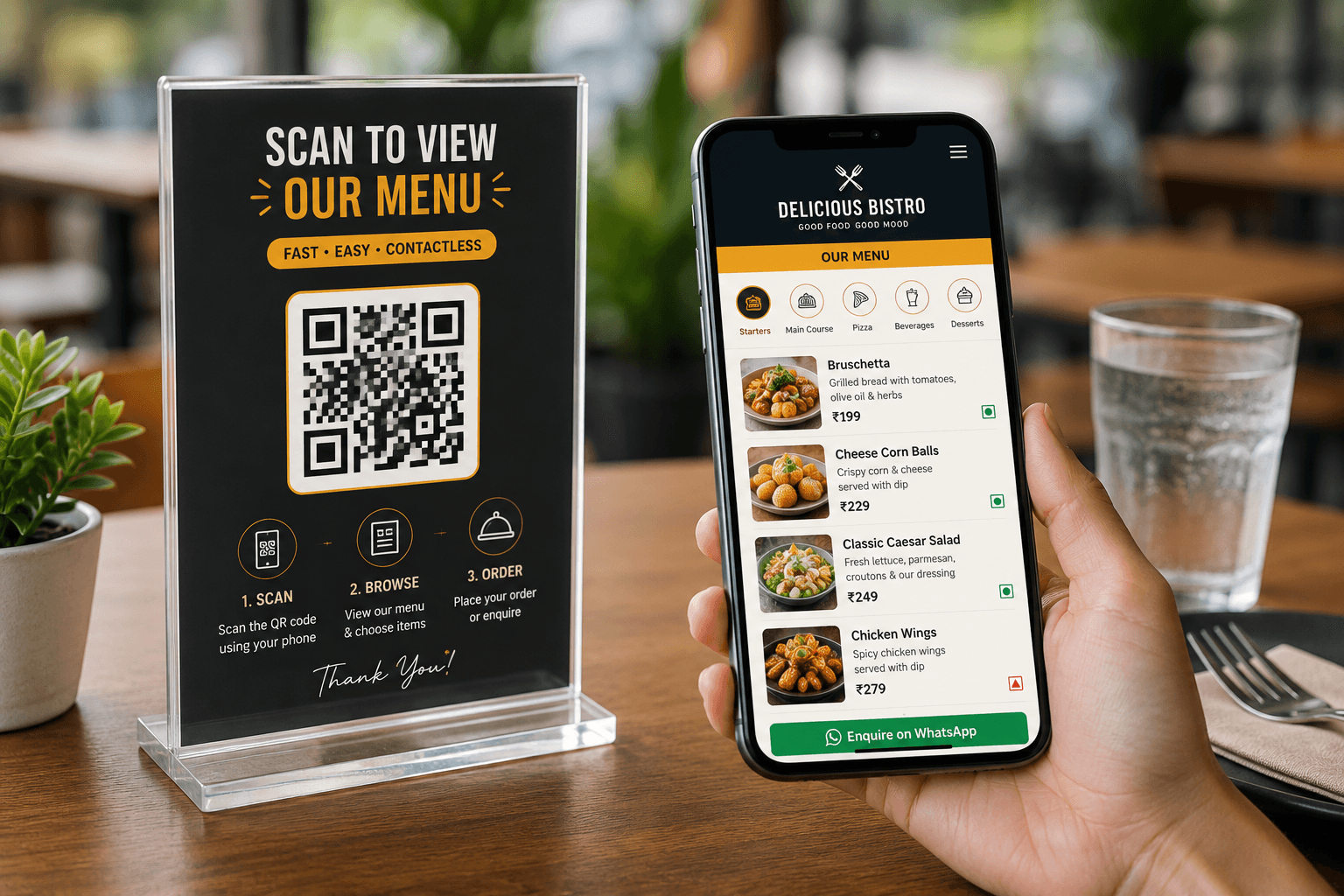
Menu Categories
Make Food Items Easier to Browse
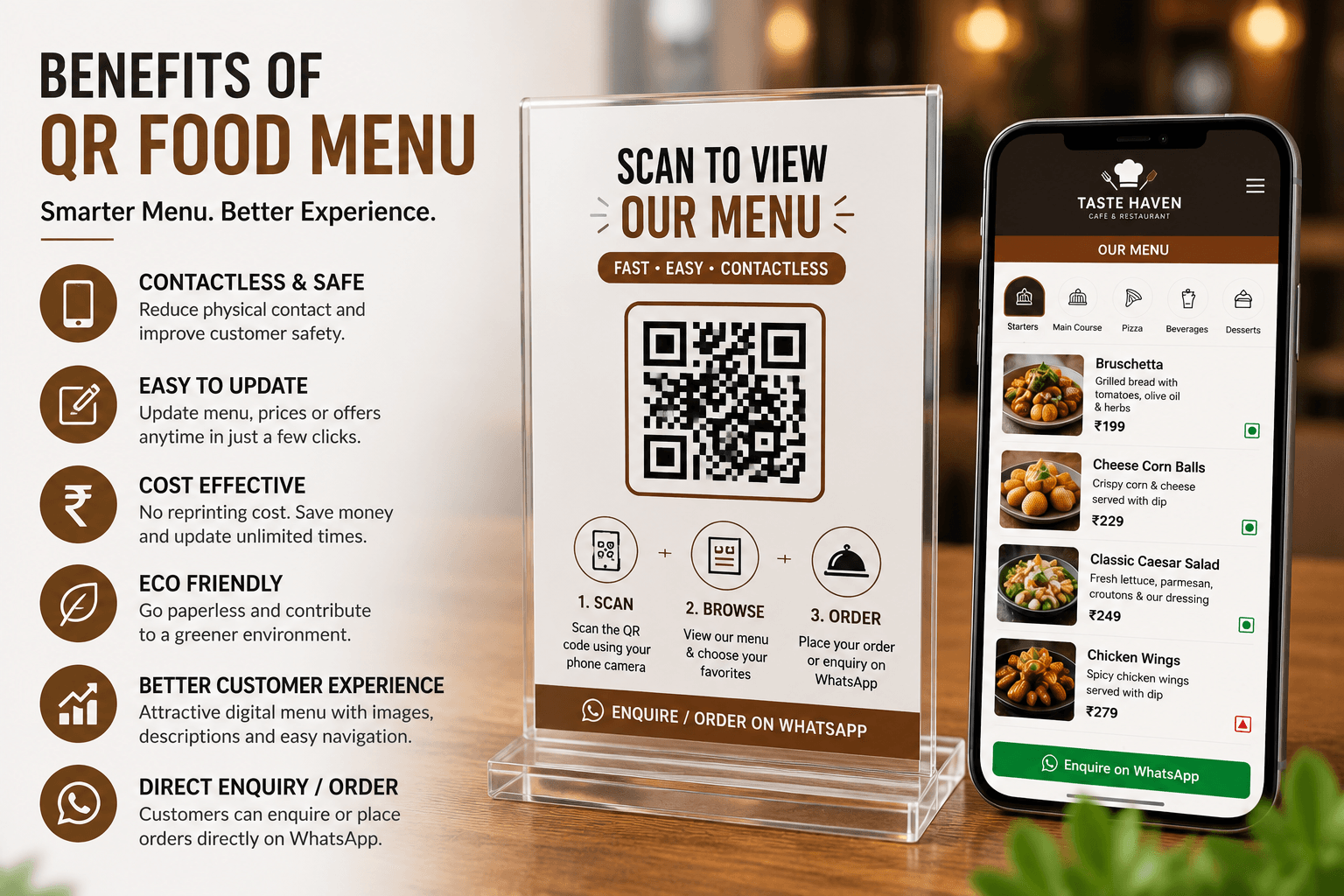
Customers can move through your menu more comfortably when items are organised into clear sections with details that are easy to read on a phone.
- Categories for starters, mains, beverages and desserts
- Food images for selected menu items
- Descriptions and price information
- Veg and non-veg labels where relevant
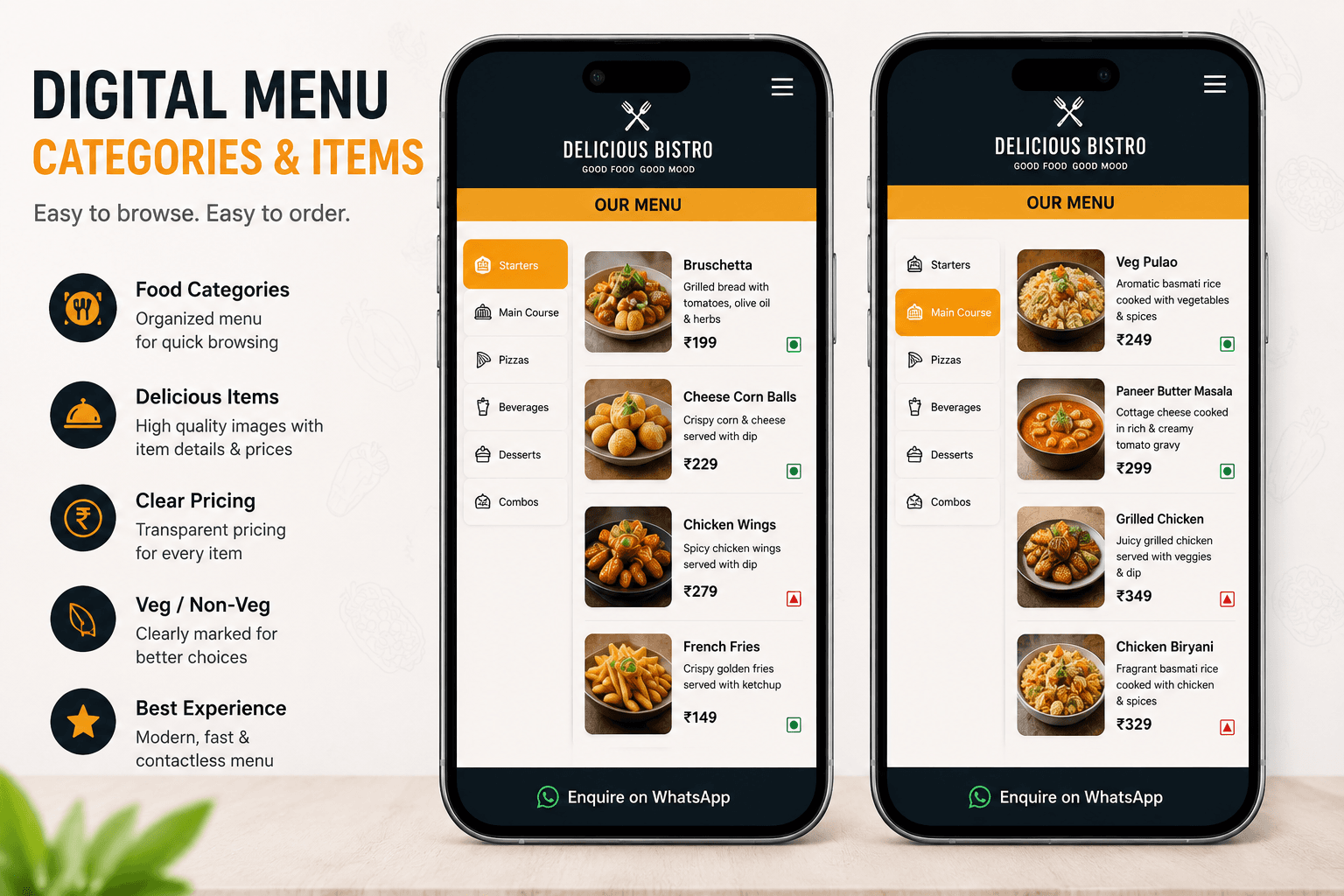
QR Stand Setup
Give Customers a Simple Way to Open the Menu
A QR menu stand can be placed at a table, counter or waiting area so customers can open the menu using their phone camera.
- QR stand design for tables or counters
- Simple scan-to-view customer flow
- Mobile menu access without app installation
- Optional WhatsApp enquiry or order link
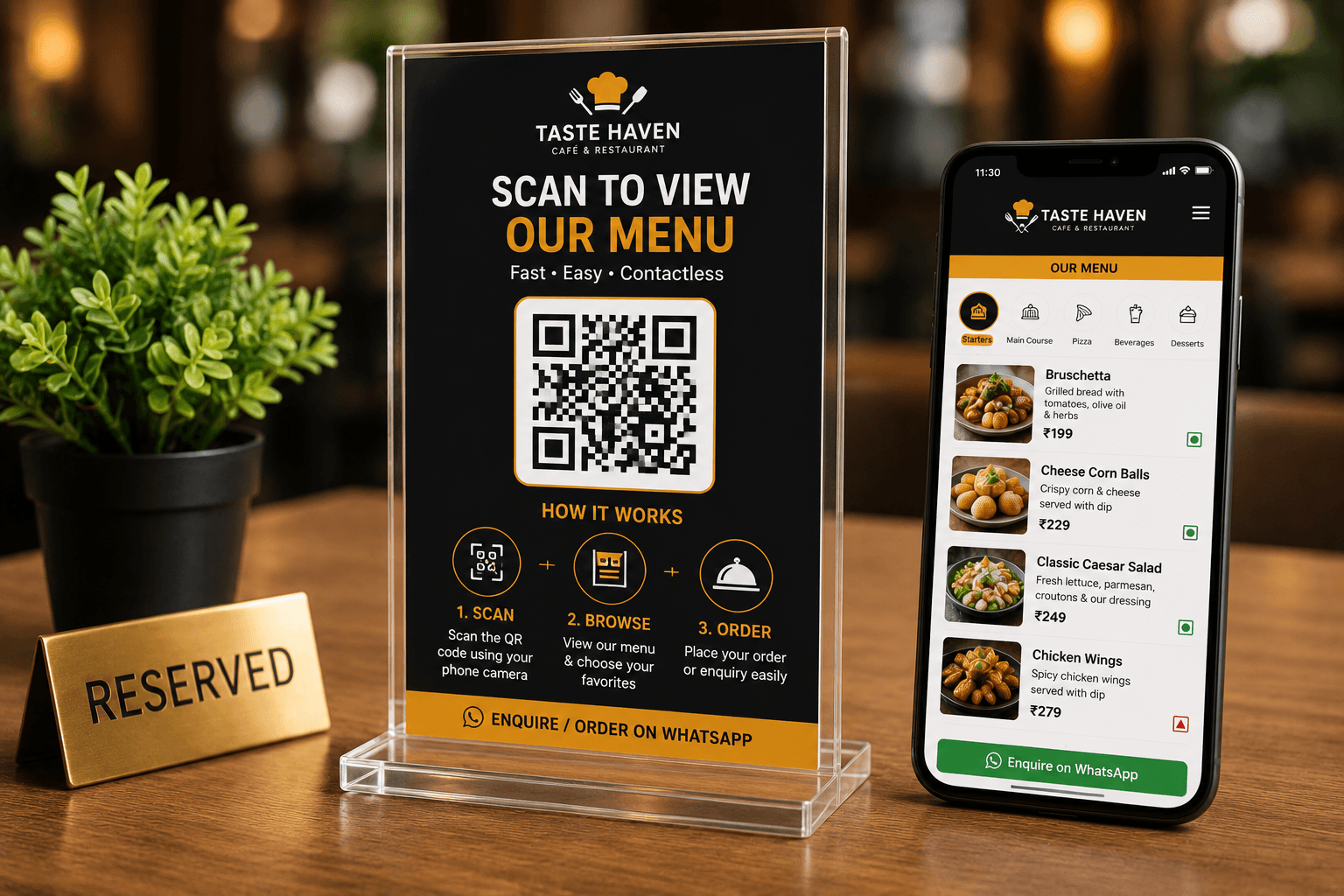
Customer Experience
One Place for Menu Browsing and Direct Contact
A QR menu can bring menu categories, food details and a direct enquiry option together in one customer-facing page.
- Menu access from a QR code
- Food details on mobile screens
- Customer enquiry access through WhatsApp
- Less reliance on separate printed menu copies
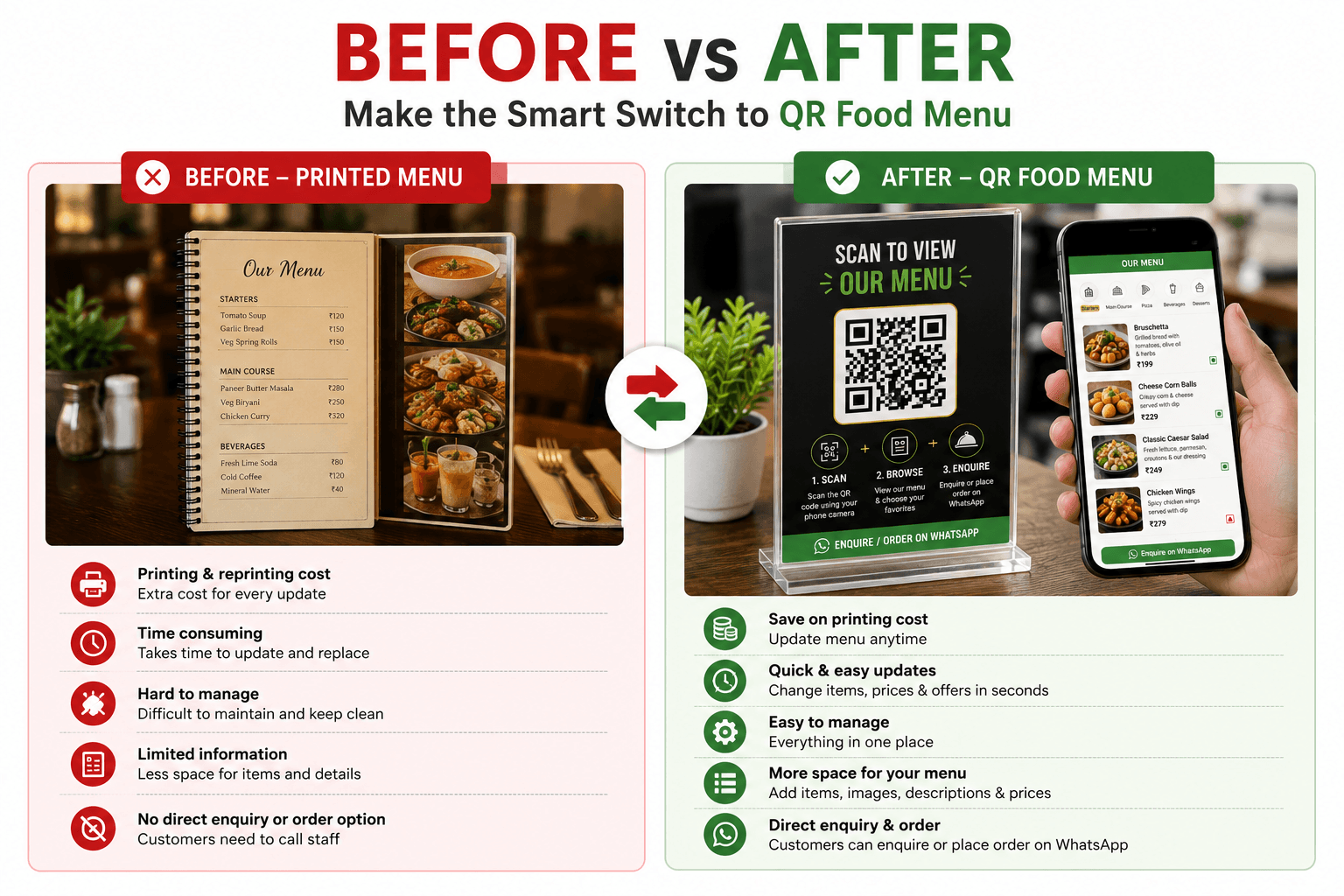
Printed Menu to Digital
Move From a Static Menu to a QR Food Menu
A printed menu can be useful in many settings, while a QR menu provides an additional way to share current menu information with customers through their phone.
Questions
Frequently Asked Questions
What is a QR food menu?
A QR food menu is a mobile-friendly menu page that customers can open by scanning a QR code with their phone camera.
Can a QR menu include food categories, prices and images?
Yes. The menu can be organised into categories with item names, descriptions, prices and selected food images.
Can customers contact us through WhatsApp from the menu?
Yes. A WhatsApp link can be added for customer enquiries, subject to the restaurant’s preferred workflow.
Can the menu be updated after it is created?
Yes. The structure can be prepared so menu content such as prices, items and categories can be updated as needed.
QR Food Menu Setup
Bring Your Restaurant Menu Into a Mobile-Friendly Format
Give customers a simple way to scan, browse your food menu and contact your business from their phone.